Shoot. Cull. Edit. Share. Grow.
One connected workflow for the whole shoot.
The complete AI-powered workflow for professional photographers. Import thousands of images, let AI select the keepers, edit them in your style, publish client galleries, and sell prints — all from one platform.
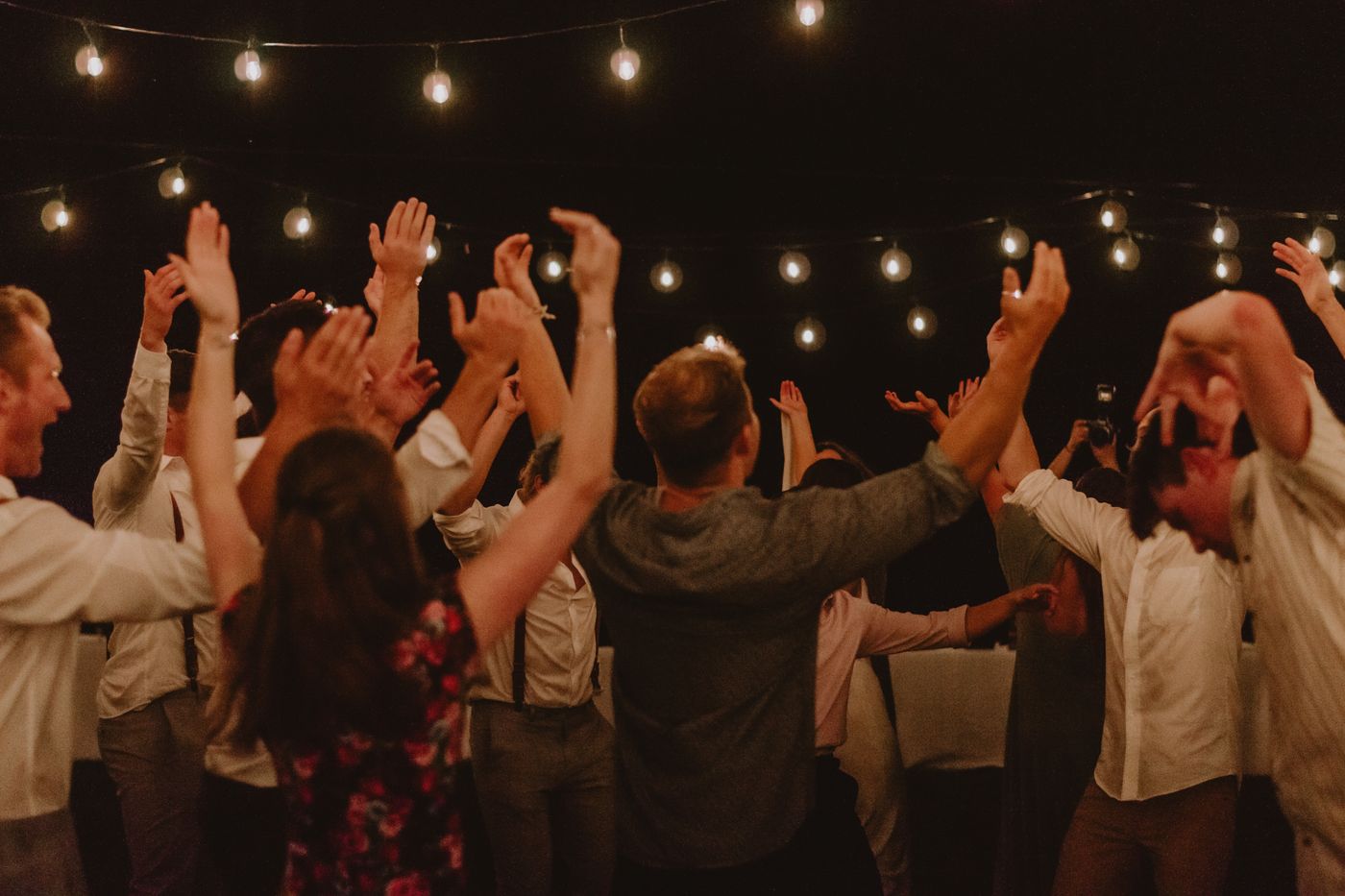 Graded in your style Straight off camera
 Drag to compare — the same frame, your signature grade.
From their booking to your next booking
Everything's set up before you press the shutter, and it keeps working after you deliver — a few clicks end to end, with the power to personalise every step: how the AI reads your style, your galleries, your website, your emails.
Book
The shoot books itself inClients book on your LightVision website — the date, shoot type and their details drop straight into the app. A nurture sequence and shot-list go out, and they flag the VIPs, so the must-have people (and their faces) are known before you shoot a frame.
Shoot
Come home to a project that’s readyYou do the part only you can. Back at your desk the project is already built — client, date, shot-list and must-have people all waiting. Just click their name.
Cull
Graded in your eyeLightVision learned your culling from your Lightroom or Aftershoot library, then grades the whole shoot and gathers the best of everyone requested — every couple, family and group on the list.
Edit
Your style, then your touchYour editing look is applied automatically, so the shoot lands most of the way to final. Add your special touch on top — it’s your style, sped up, never replaced.
Share
One click to a selling gallerySend a polished client gallery in a click: built-in print sales, per-person favourites, smart personalisation, and email-gated downloads that grow your list with every guest who visits.
Grow
Every gallery books the nextThose captured emails flow straight into nurture campaigns you’ve already set up — turning each delivered gallery into your next booking, automatically.
Shoot, cull, edit, share, grow — all connected.
What makes LightVision different
Not another keeper-flagging culler. Everything below runs on-device — your clients’ faces never leave your Mac.
Auto-built moment collections
Shoots sort themselves into named moment folders — Getting Ready, Ceremony, First Kiss, First Dance — plus a chronological Story Arc of your best picks through the day. Detected on-device, before any grading.
People coverage safety net
Tell LightVision how many keepers you need of each person and the People view flags anyone short — “2 of 3 in Picks · needs 1 more” — with one click to pull in their best unpicked shot. No one’s grandmother gets left out of the gallery.
Name the bride once, filter by her all day
Right-click a face to name the bride, groom, family or wedding party — then click any face to see every frame that person is in. Names stick to the face itself, so “couple + bride’s parents” shot-lists can verify the group photo actually made your Picks.
Guests find their own photos by face
Off by default, and your call: flip one toggle and gallery guests can tap their own face to see just the photos they’re in. Matching runs in the guest’s browser — no names attached, nothing sent to a server.
Your work stays protected until it’s paid for
Watermarks are baked into the preview pixels — not an overlay someone can right-click away — and full-resolution files are released one photo at a time, only after purchase. Download limits are enforced on the server. No site can block an OS screenshot, but yours will carry your mark.
Text-to-mask local edits
Type a region in plain words — “the sky”, “her dress”, “sunglasses” — and get a pixel-accurate selection, no brushing. It runs entirely on your Mac and becomes a normal adjustment layer you can refine with a click.
Not a black box. A score you can read.
Every photo is scored 0–100 across seven dimensions, then sorted into a clear recommendation. You see exactly why a frame is a keeper.
Save the blink. Keep the best frame.
Best shot of the burst, but someone blinked? LightVision borrows their real open eyes from a neighboring frame — identity-checked so it’s never the wrong person’s eyes, and never a generated face.
The complete delivery pipeline
AI culling
Seven-dimension grading sorts every frame into Pick, Alternate and Review.
Duplicate grouping
Bursts and near-identical frames collapse into a single decision.
Learn My Style
Your real develop settings, applied automatically to new imports.
Face AI
Detect, cluster, restore and retouch faces across the whole shoot.
Full develop editor
Masks, curves, AI cleanup and extend — non-destructive, all on-device.
Galleries & prints
Publish client galleries and sell prints — a pro lab handles printing and shipping.
Search your shoot by meaning
Type what you remember — "bouquet toss", "golden hour by the couple" — and the matching frames surface instantly. Save any search as a live collection. No keywords, no tagging, nothing leaves your machine.
How many weekends would you get back?
Slide in your real numbers. LightVision automates the cull and gives you a style-matched first-pass edit — here's what that's worth.
Estimates only. Assumes LightVision automates ~85% of culling review and gives a style-matched first-pass edit that cuts editing time by ~60%. You still review Picks and finish to taste — your results will vary.
Your gallery, your colors
Publish polished client galleries with favorites, email-gated downloads and a built-in print store. Pick from nine refined palettes to match your brand.
Photographers who got their time back
A 2,400-frame wedding used to eat my whole Sunday. LightVision hands me the Picks before my coffee is cold, and the first-pass edit already looks like mine.
 Elena Marchetti Wedding photographer · Florence
 The duplicate grouping is the unlock. Forty near-identical bouquet-toss frames collapse into one decision instead of forty.
 Marcus Bell Event & editorial · Chicago
 My clients order canvases straight from the gallery now. The print store basically runs itself while I shoot the next wedding.
 Priya Nair Studio owner · Toronto
 It learned my look from one folder of delivered work. New shoots come in already 80% of the way to my final grade.
 Theo Andersson Destination weddings · Stockholm
 Spend your weekends shooting, not culling.
LightVision is in beta — join free, no card required, and we'll help you get set up.